
Quick answer: A free GMB audit checks your Google Business Profile (formerly Google My Business) to see how well it's set up and where you appear on Google Maps. A good one looks at your categories, description, services, photos, reviews, posts and hours, then maps your ranking across your area. Auto-SEO's free audit usually takes about a minute, needs no card or account, and shows where you rank on Google Maps, Google Search and in ChatGPT's answers.
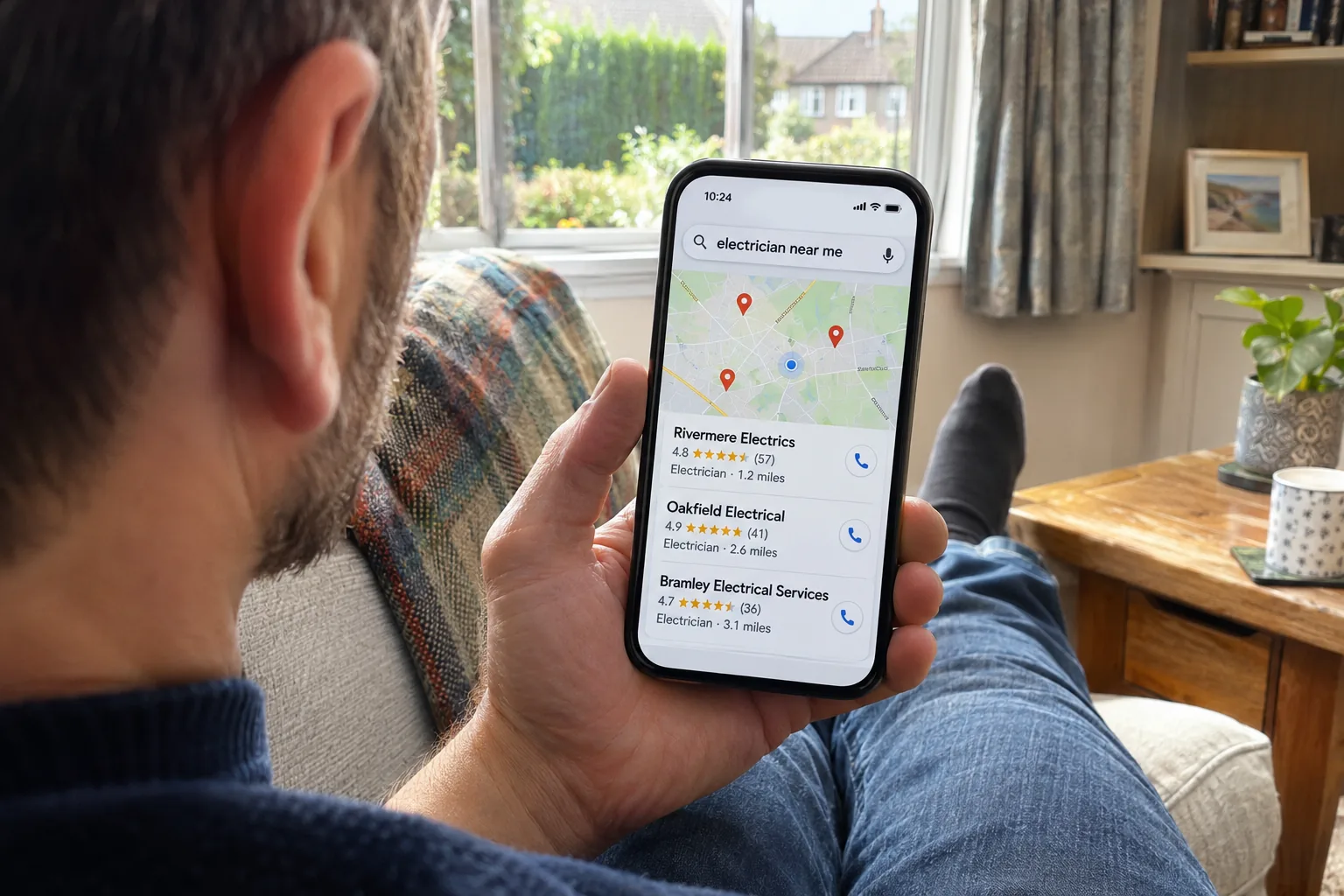
When someone searches for a local trade, Google often shows a map with three businesses before the normal results. That short list is where many local calls start, and a free GMB audit tells you whether you're on it.
Auto-SEO's free GMB audit checks your listing against live Google and ChatGPT searches, then shows you who's beating you and what to fix.
Key Takeaways
Google Business Profile is the new name for Google My Business. It's the same free listing that shows on Google Maps.
Your map ranking changes from street to street, so one search from your own phone never tells the whole story.
The biggest wins usually come from the right category, a complete profile, real photos and a steady flow of genuine reviews.
Google's rules are strict. Adding keywords to your business name can get a profile suspended.
Our free audit checks your Google Maps rank at 25 points across your area for up to three keywords.
GMB or Google Business Profile: what's the difference?
There's no difference. Google renamed Google My Business to Google Business Profile in 2021, but plenty of people still call it GMB, so you'll see both names.
Setting up and keeping a profile is free, and Google never charges to verify or maintain one. If someone tells you otherwise, it isn't Google.
What a Google Business Profile audit checks
A proper Google Business Profile audit looks at what Google looks at, and compares you with the businesses that rank around you. Here's what each check covers and what good looks like.
Your primary category
Your main category tells Google what you are, so it carries a lot of weight. Google asks for the fewest, most specific categories that are true, and the test is "this business IS a…", not "this business HAS a…".
Your business name
It should match your sign, your van and your website exactly. Google's guidelines say adding extra words, such as your services or your town, can lead to suspension.
Your description
Explain what you do, the services you offer and a little of your history, in your own words. Google doesn't allow links in the description, and it shouldn't focus on prices or promotions.
Your services
List every service you offer, each with a short description written for customers. Gaps here are an easy win, because a full list helps Google match you to the searches you want.
Your photos

Real photos of your work, your team and your premises help people choose you. Google's photo guidance asks for your own pictures, with no stock images and no added text or borders.
Your reviews
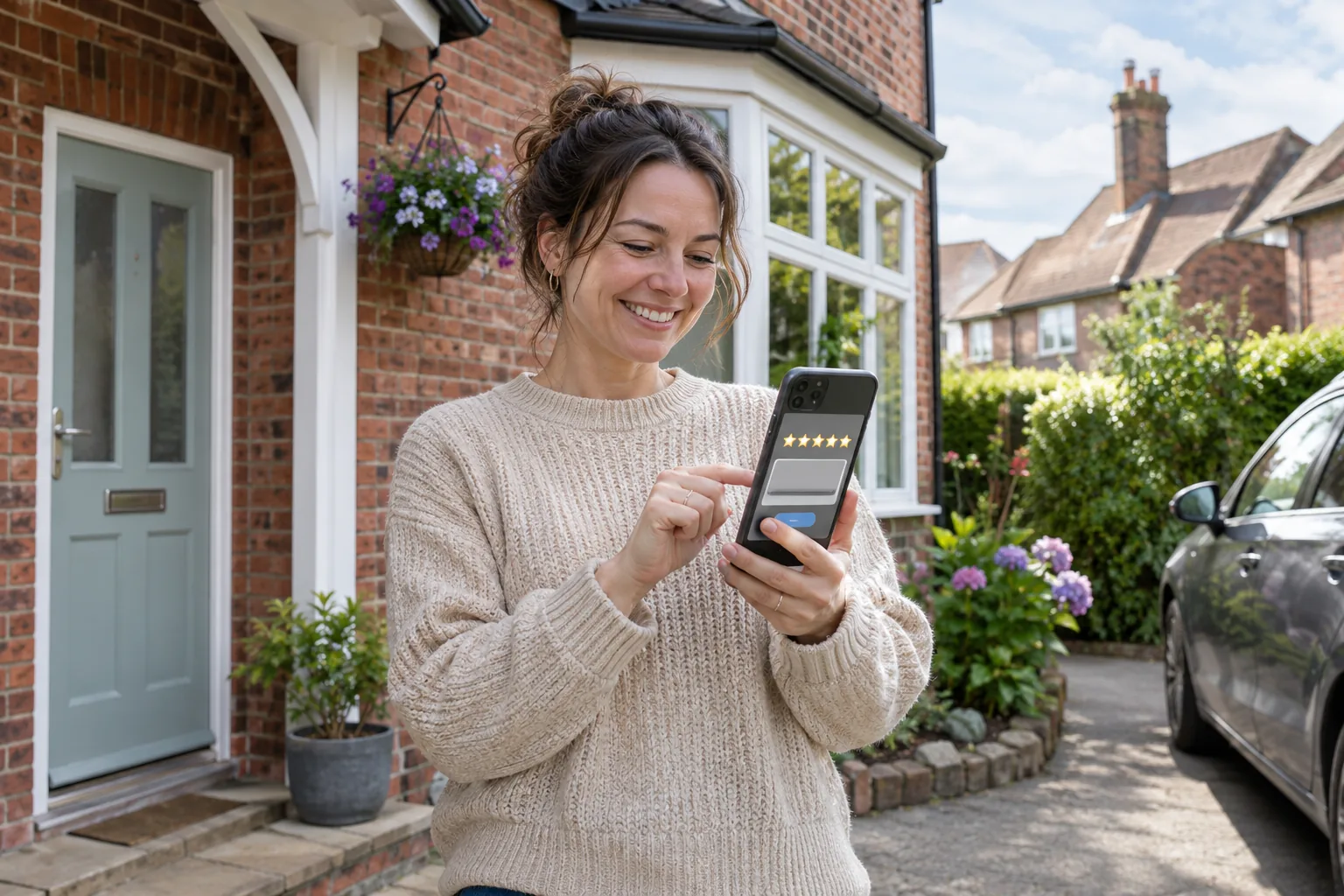
The audit looks at your star rating, how many reviews you have, how often new ones arrive and whether customers hear back. Google lets you ask every customer for an honest review, but bans incentives and asking only happy customers.
Our article on the benefits of Google reviews covers how to ask without it feeling awkward.
Your posts
Regular updates keep your profile active and give customers a reason to pick you. Keep phone numbers and email addresses out of the post text and use the Call button instead, as Google may remove posts that include them.
Your hours and contact details
Accurate hours help you show for "open now" searches. Your phone number should be one you control, and your website link should go straight to your own site, not a social media page.
Your service area
If you travel to customers, you can hide your home address and list up to 20 service areas by town or postcode. Google no longer allows a simple radius, so older profiles may need updating.
Questions and answers
If your profile shows a questions section, check that the answers are accurate and helpful. Out-of-date answers can put a customer off before they call.
Your local rank and heat map
Google shows different results depending on where the searcher is standing. You might be first on your own street and much lower a mile away, which is why a heat map checks a grid of points across your area.
For the bigger picture on what moves you up, see our guide to local search ranking factors.
What to fix first after your GMB audit
Start with anything that breaks Google's rules, because a suspended profile can disappear from Maps altogether. After that, work down the list in this order:
Your business name and address. Remove any added keywords, and hide your address if customers don't visit you there.
Your primary category. Make sure it's the most specific one that's true for your main service.
Missing details. Fill in your services, description, hours and website link.
Photos. Add recent photos of real jobs, taken by you or your team.
Reviews. Ask every customer for an honest review and reply to each one.
Posts. Share a fresh update regularly, rather than lots at once and then nothing.
Your website matters too, because Google reads it to understand your business. Our guide to a free website audit shows what it checks on your site and what to fix first.
Does ChatGPT recommend your business?
Some customers now ask AI tools for a recommendation before they pick up the phone. Our audit asks ChatGPT, with live web search, for the best business for your keyword and town, and checks whether it names you.
It also checks whether Google shows an AI Overview for your search and whether it links to your website. To understand why some businesses get named and others don't, read how AI tools choose who to recommend.
How to get Auto-SEO's free GMB audit
The audit is free, with no card and no account. It usually takes about a minute, and your results build on screen as each check finishes.
Find your business. Search for your business and town, or paste your Google listing link. If you serve an area, tell us your main town or postcode.
Add your website and keywords. Choose up to three searches your customers really use, usually your service and your town. We suggest a few from your listing to get you started.
Get your results. Read them on screen as they arrive, and we'll email you a copy.
Your free audit shows you:
Your Google Maps rank at 25 points across your area for each keyword, on a heat map.
Who's beating you. The businesses that take Google's top three spots most often, with their ratings and reviews.
Your Google Search position, and who holds the map pack.
Your ChatGPT answer. Whether ChatGPT recommends you, and who it names instead.
Google's AI answers. Whether an AI Overview shows for your search, and whether it cites your website.
Your AI readiness score. How easy your website is for AI assistants to read, with the quickest wins first.
Want a deeper audit? Connect your profile
You can also sign in with the Google account that manages your listing. We then read your profile to show how many calls, website clicks and direction requests it brings in, which reviews still need a reply and which details are missing, plus a detailed list of what to fix first.
It's read-only, so we never change anything, and you can disconnect at any time.
Frequently Asked Questions
Is the GMB audit really free?
Yes. There's no card and no account, and we just ask where to send your copy of the results.
What if my business isn't on Google Maps yet?
You'll need a Google Business Profile to show on the map, and it's free to set up. Once it's live, run the audit to see where you stand.
Will connecting my Google account change my profile?
No. The connected audit only reads your profile and never changes anything, and you can disconnect whenever you like.
Which keywords should I choose?
The words a customer types when they need you, usually your service and your town. Think "emergency electrician Bolton" rather than just "electrician".
Can anyone guarantee a top three spot on Google Maps?
No. Rankings depend on where each searcher is, your competitors and how complete your profile is, and Google's own rules for agencies ban promises of top placement.
Run your free GMB audit
It takes about a minute to see where you stand on the map, and it costs nothing. Run the free audit first, then if you'd like our team to fix what it finds, our Google Business Profile optimisation is £39 a month, with or without an SEO plan.
Want to check the rules for yourself? Google's guidelines for representing your business set out exactly what your profile can and can't include.