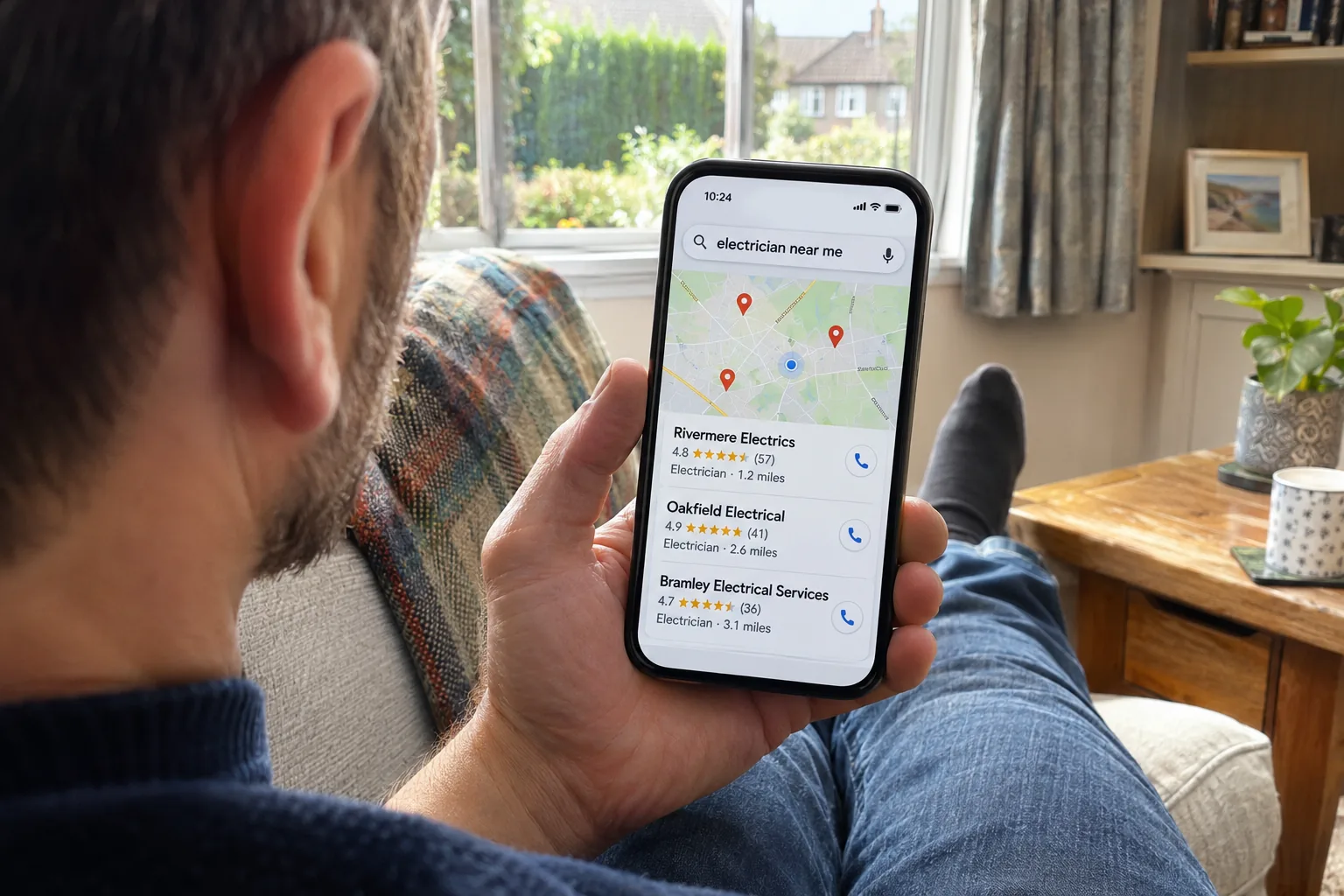
Quick answer: A free website audit is a health check that shows what might be stopping Google, and AI tools like ChatGPT, from finding and understanding your website. A good one checks your page titles, headings, settings, security and structured data, then gives you a short list of fixes in priority order. At Auto-SEO you can run a free website scan with no card needed, or get a full homepage audit worth £49 free with our £1 trial.
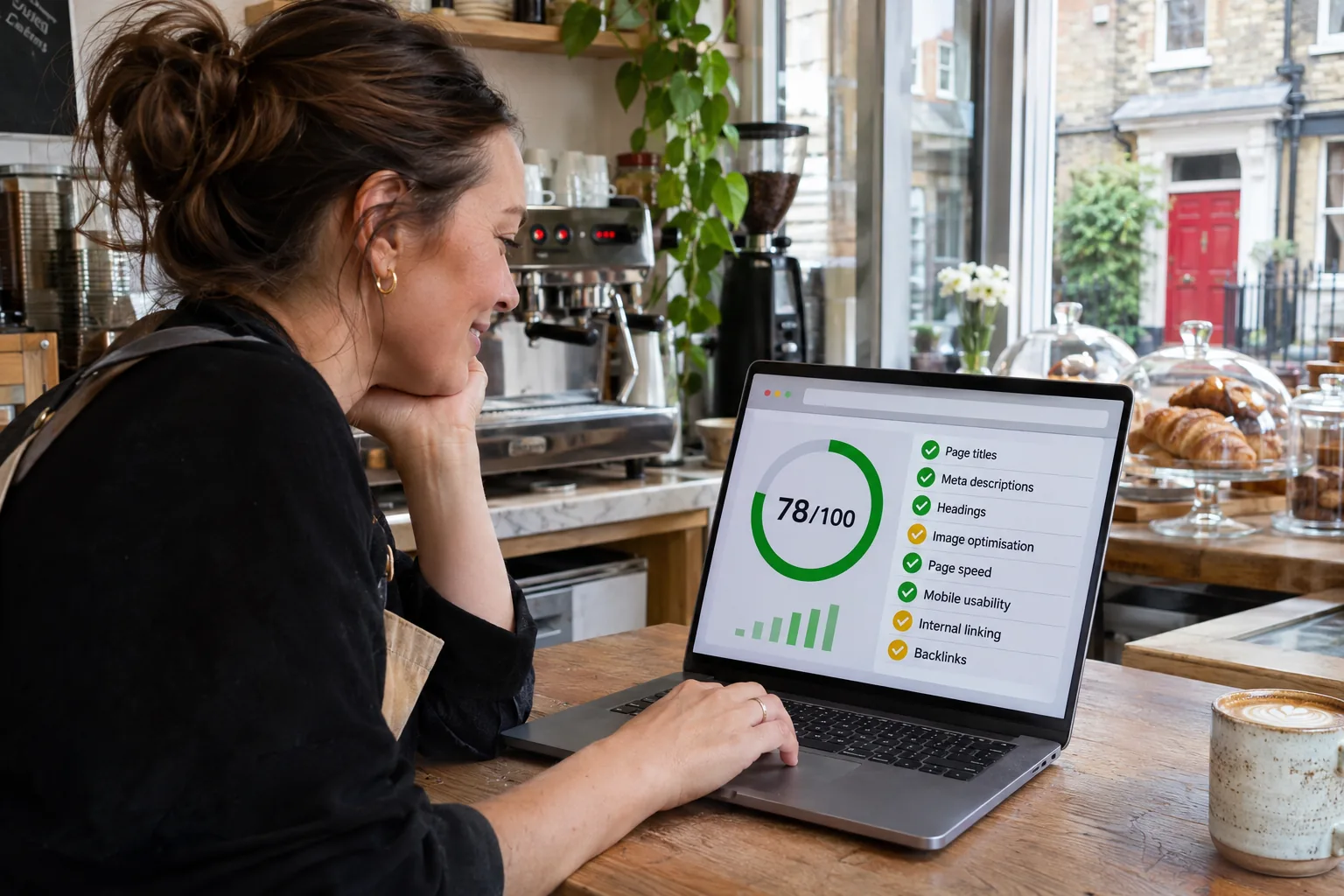
If you run a trade or a local service, your website has one job: turning searches into enquiries. A free website audit tells you, in plain English, whether anything is getting in the way before you spend a penny on fixing it.
You can try one right now. Our free website scan checks your homepage live and shows your results on screen, with no card needed.
Key Takeaways
A free website audit finds the technical problems that can quietly hold a good website back.
The most useful reports put the fixes in order, so you know exactly where to start.
Many fixes, like a better page title, take minutes in your website editor.
No audit can guarantee rankings. It removes the reasons a good site gets overlooked.
Auto-SEO offers two free options: a website scan with no card needed, and a full homepage audit worth £49 with the £1 trial.
What a free website audit checks
A free audit usually looks at your homepage, because that's where Google and your customers tend to start. These are the checks that matter most for a local business.
Check |
What it looks at |
Why it matters |
|---|---|---|
Page title and meta description |
The words Google shows in its results |
They decide whether people click on you or the next business |
Headings |
Your main heading and sub-headings |
They tell Google and readers what the page is about |
Indexing |
Noindex tags and robots.txt blocks |
One wrong setting can hide a page from Google completely |
Security |
HTTPS and your SSL certificate |
Browsers warn visitors away from sites that aren't secure |
Mobile and page weight |
How the page is set up for phones and how heavy it is |
Customers often search from a phone, and slow pages lose them |
Structured data (schema) |
Your business details in code |
Helps Google and AI tools read your name, services and area |
Images |
Alt text on your pictures |
Describes images to Google and to people using screen readers |
Links |
Links on the page that no longer work |
Dead ends lose visitors and waste Google's visit |
For the full list, with what good looks like for each item, read our website audit guide and checklist.
Free website audit vs a paid audit: what's the difference?
A free website audit checks your homepage, where the problems that matter most usually show up first. A paid audit goes through your whole site page by page, looking for duplicate titles, broken links and slow pages wherever they are.
Our full technical SEO audit is £49 one-off and also covers Core Web Vitals, your sitemap and keyword gaps. For most local businesses, start with the free one and only go deeper if it turns up problems you can't explain.
What to do with your audit results
An audit only helps if something changes afterwards. Work through your results in this order and you'll fix the problems that cost you most first.
1. Fix anything that stops Google seeing your site
A noindex tag, a robots.txt block or an expired certificate comes first. Until Google can see and trust your pages, nothing else on the list makes much difference.
2. Sort out your page titles and headings
Each main page should say what you do and where, in words a customer would type. A plumber in Stockport, for example, is better served by "Boiler Repair in Stockport" than by "Home".
Our guide to on-page SEO that Google can read shows the four places your main phrase should go.
3. Make your site easy for AI tools to read
Some customers now ask ChatGPT or read Google's AI Overviews instead of scrolling the results. Clear text, accurate schema and letting AI crawlers in all help these tools understand and mention your business.
If that's new to you, our plain-English guide on what AI SEO means explains it in a few minutes.
4. Leave the small stuff for later
Low-priority items, like social sharing tags, can wait. Don't let a long list stop you making a start on the big ones.
5. Keep adding helpful content
Once the basics are right, regular articles about the jobs you do give Google more reasons to show you. Our article on how often to publish new posts explains why steady beats sudden.
Can I fix the problems myself?
Often, yes. Rewriting a page title or a meta description usually takes a few minutes in your page settings, or in an SEO plugin if you're on WordPress.
Other fixes, like schema or page speed, are easier for someone who does them every day. If you'd rather not touch the technical side, our team can make the fixes for you, so you can get back to your customers.

How often should you run a website audit?
Run one after any redesign, theme change or move to a new platform, because that's when settings quietly break. Otherwise, every few months is plenty for most local businesses.
Run one sooner if enquiries drop and you can't see why. Google's free Search Console tool is also worth setting up, as it flags indexing problems between audits.
How to get Auto-SEO's free website audit
There are two ways to get one from us. Both work with any website, including WordPress, Shopify and Wix.
Option 1: the free website scan, no card needed
Pop in your web address, press Start scan and your results appear on screen. Every number comes from a live check of your site, and you get four results:
SEO Health. A score out of 100 from live technical checks on your homepage.
AI Visibility. How ready your site is to be found by ChatGPT, Gemini and other AI tools.
Growth Potential. The key phrases we'd target for you and the content gaps to fill.
Quick wins. Simple fixes to make first, plus ideas for your first three articles.
Option 2: the full homepage audit worth £49, free with the £1 trial
Start the 7-day trial for £1 and we'll email you a personalised audit report. It covers your title and meta description, headings, readable text, schema, canonical tag, social sharing tags, image alt text, page weight, mobile set-up, HTTPS and certificate, any noindex or robots.txt block, and a sample of your homepage links.
The report opens with what's already working well, then lists your quick wins in priority order. You can open it again any time from the My website audit link in your dashboard.
Frequently Asked Questions
Is a free website audit really free?
Yes. Our website scan needs no card at all. The full homepage audit worth £49 comes free with the £1 trial, and there are no contracts, so you can cancel anytime.
Will fixing my audit results get me to the top of Google?
No one can promise that, and Google's own guidance warns that no one can guarantee a #1 ranking. Fixing the issues gives your pages a fair chance, while your content, your competitors and links to your site decide the rest.
Does a website audit check my Google Business Profile?
No, your Google listing is checked separately. Our free Google Business audit shows where you rank on Google Maps across your area, and who's beating you.
What's the difference between an SEO audit and a website audit?
People often use the two terms for the same thing. An SEO audit focuses on what affects your visibility on Google, while a wider website audit can also cover security and ease of use.
Get your free website audit today
The quickest way to see where your site stands is to check it. Start your £1 trial with a free website audit and your report worth £49 is on its way, along with your first article written for your business, ready for you to review.
Want to keep an eye on things between audits? Google's free Search Console shows which of your pages are indexed and flags problems as they appear.